How to Run a Youth Football Tournament

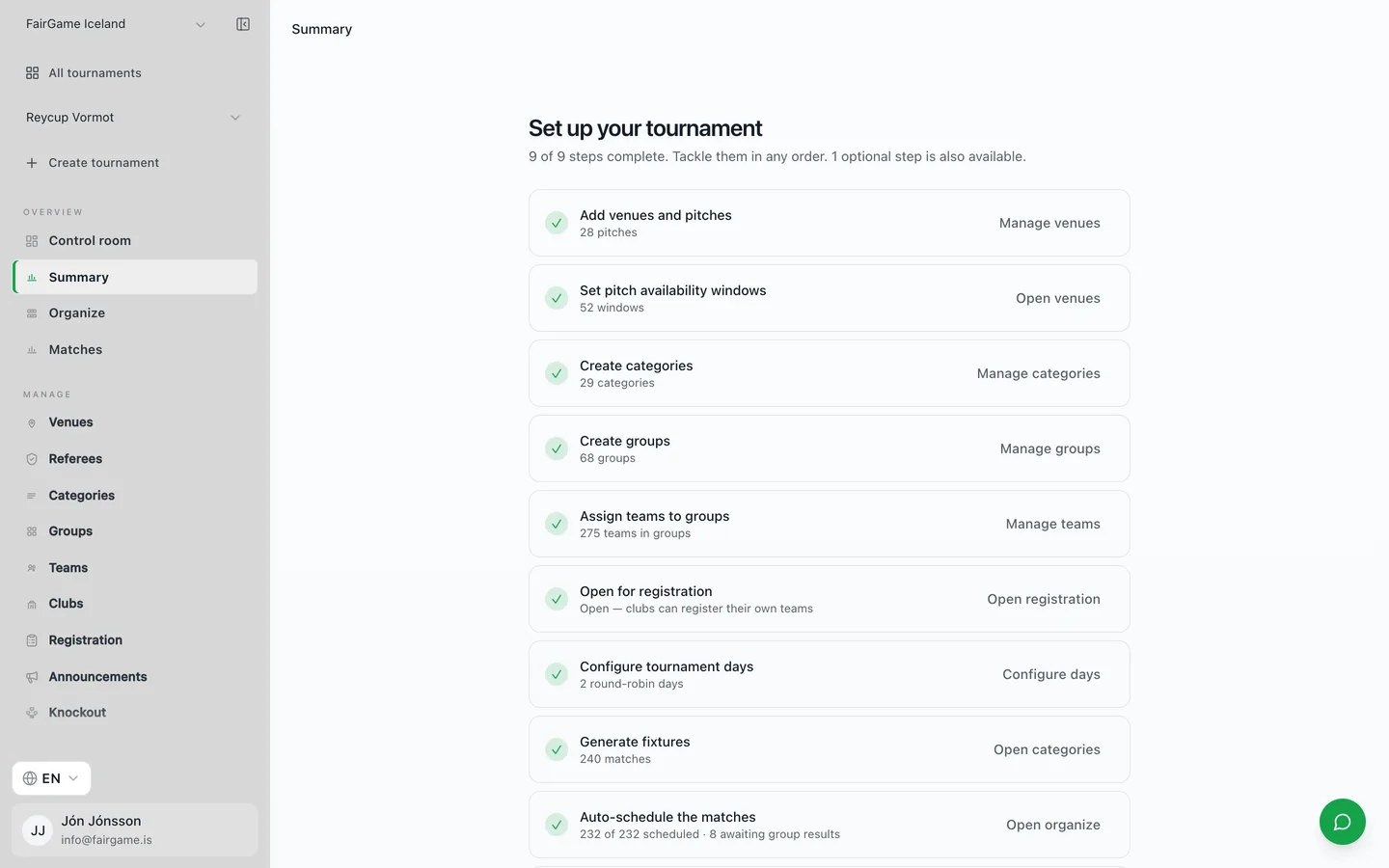
Running a youth football tournament is equal parts logistics and hospitality: dozens of teams, anxious coaches, and hundreds of parents who all want to know where their child plays next and who is winning.
This is the checklist we walk new organizers through — the decisions to make early, and the ones you can safely leave to software.
1. Set the size and the shape
Decide the number of teams, the age categories, and how many pitches you have for how many hours. These four numbers determine everything else. A good rule is to work backwards from your last kickoff time: if you cannot fit the matches into the daylight you have, either add a pitch or reduce the format before you open registration.
2. Open registration early
Collect teams, coach contact details and age group in one place, and confirm entries as they arrive. A clear registration deadline protects your schedule — late entries are the single most common cause of a last-minute rebuild.
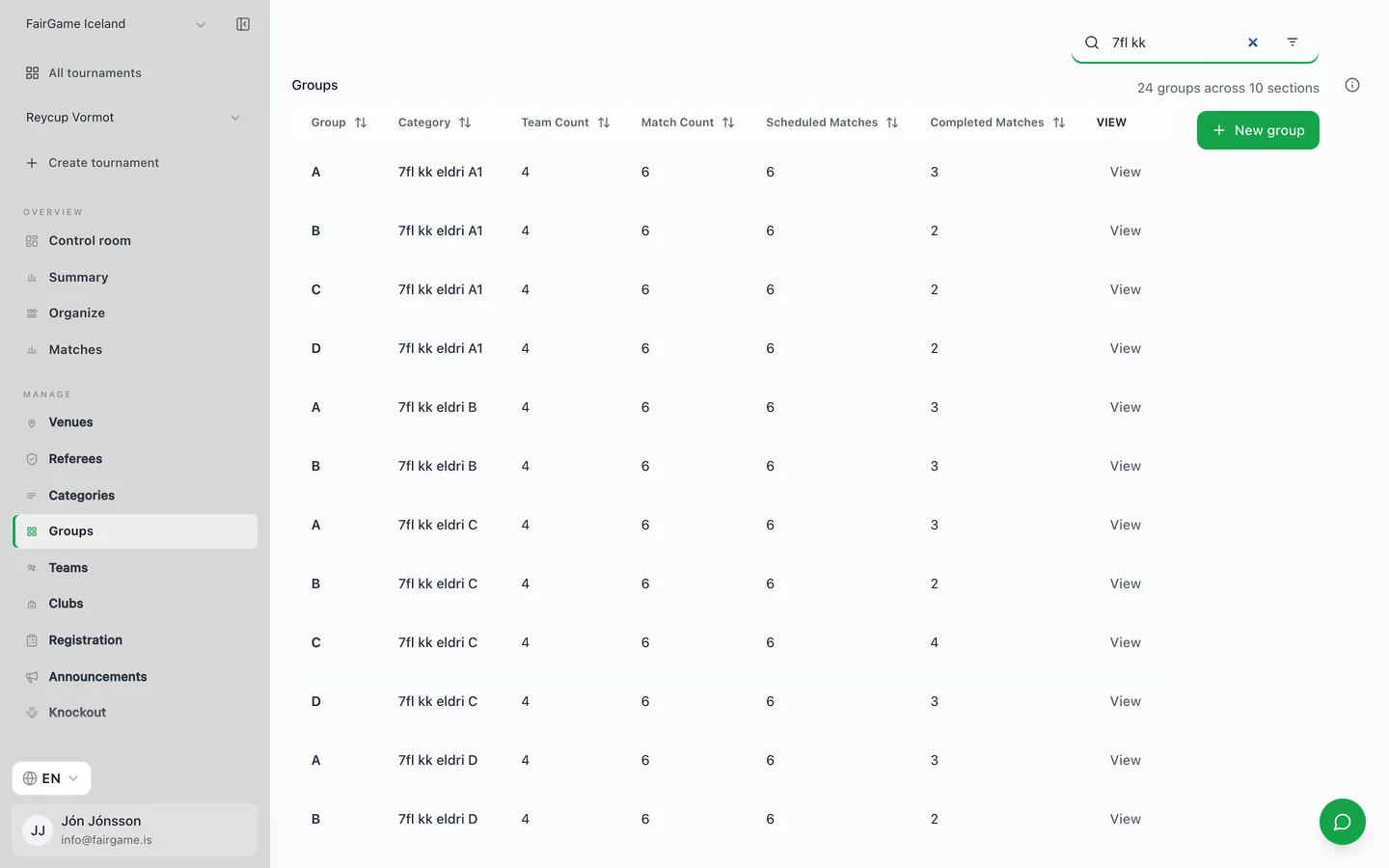
3. Draw balanced groups
Seed the strongest teams into different groups so the good sides do not knock each other out in the opening round. For youth events, keeping clubs that travelled together in nearby time slots is a small kindness that saves a lot of logistics.
4. Build a conflict-free schedule
This is where most tournaments lose their evening. Every team needs rest between matches, no pitch can host two games at once, and shared players or referees cannot be in two places. Solving that by hand for 40 teams is a long night; scheduling software does it in seconds and reschedules cleanly when something changes.
5. Sort out referees and scoring
Assign referees to matches in advance and give them a simple way to enter results from the pitch. The faster scores reach the system, the faster standings update — and the fewer times you will be asked who goes through.
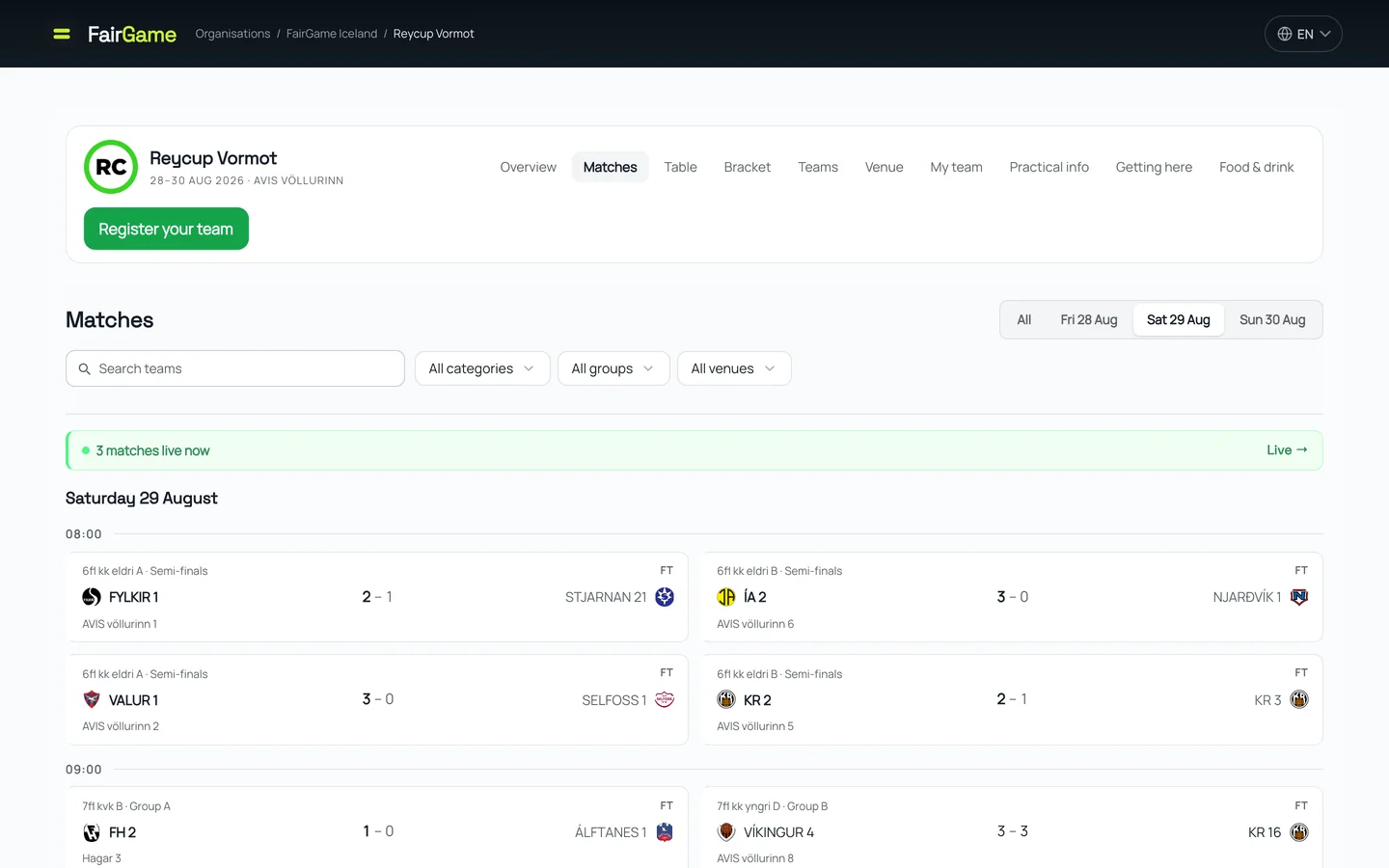
6. Publish live results
Give players, coaches and parents a live link to schedules, standings and brackets on their phones. It cuts the queue at the organizers' table to almost nothing and makes the whole event feel professional.
Run the day, not the spreadsheet
FairGame handles steps three through six for you: balanced group draws, conflict-free scheduling, referee assignment, live scoring and public standings — all from one screen. You import the teams; it runs the tournament, so you can spend the day on the pitches instead of behind a laptop.