Get the FairGame app
FairGame Sports is the free FairGame app for iPhone, iPad and Android. Follow your team and your phone tells you when a result comes in, a match moves or the organizer has news. There is no account and no sign-in.

1. Find your tournament
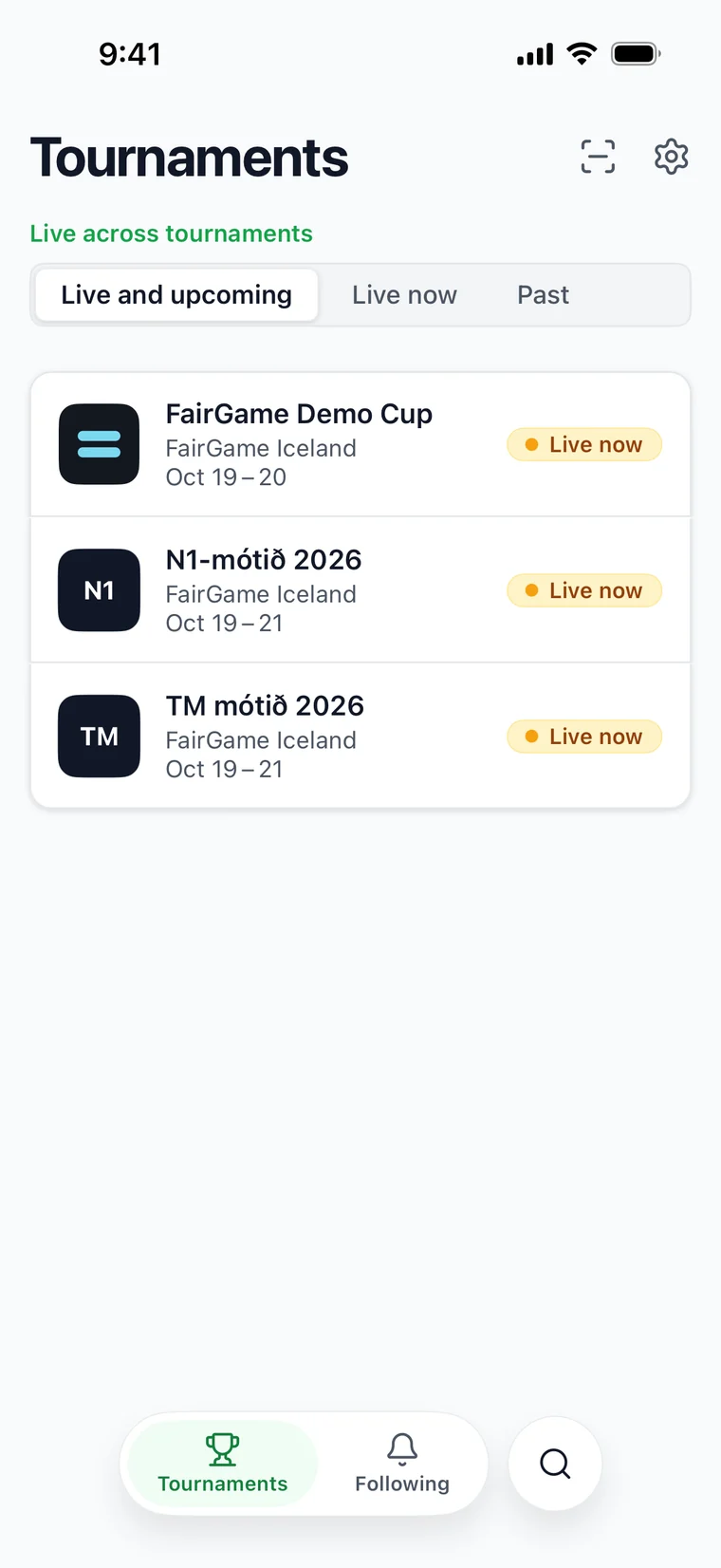
The first time you open the app it shows Tournaments, starting with the ones that are on now or coming up. Tap the search button beside the bottom bar to find yours by name, then open it.
2. Pin it
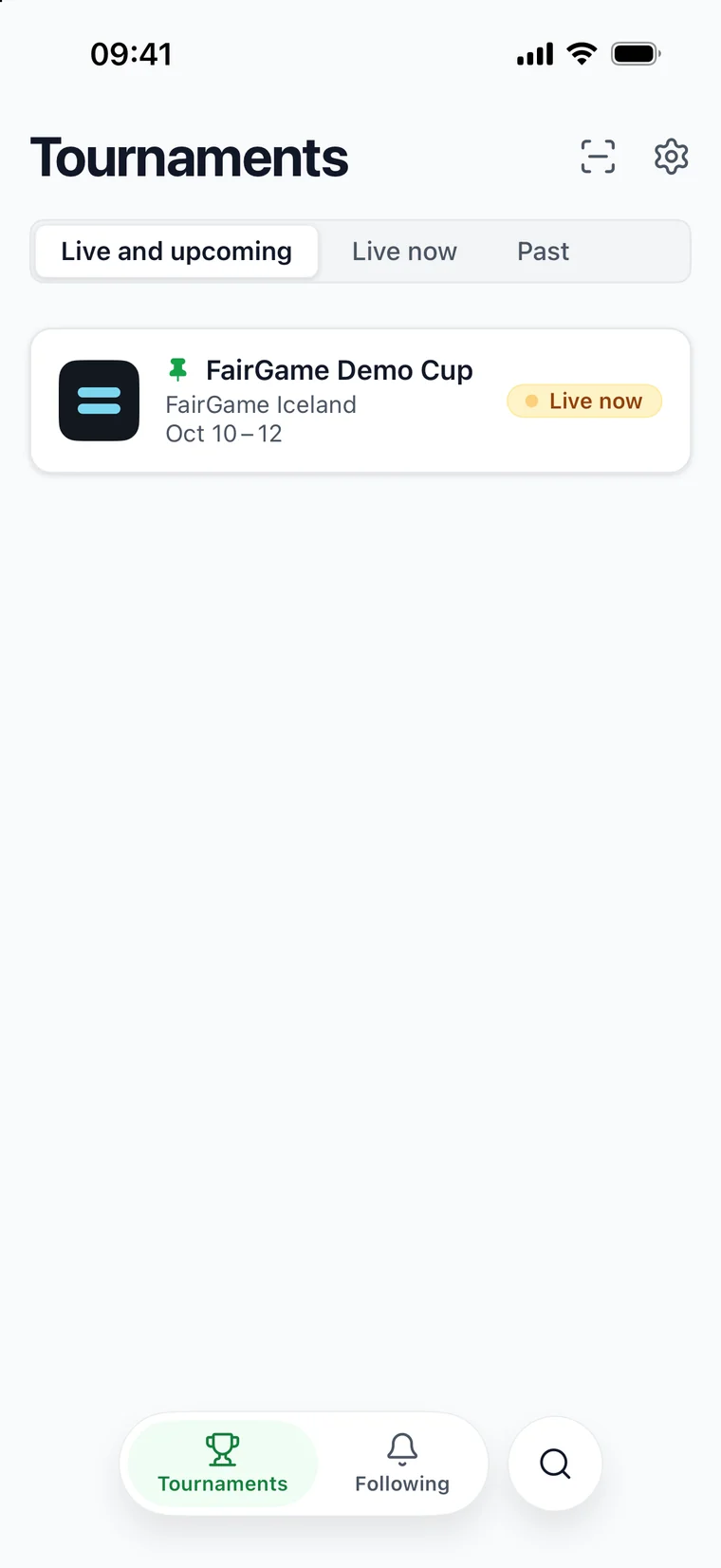
Tap the pin in the tournament's top bar (Pin tournament). From then on the app opens straight on that tournament, all weekend, and it is listed first under Tournaments with a pin mark. Tap the pin again (Unpin tournament) when it is over.
On iPhone, iPad and Android, pinning also subscribes this phone to the tournament’s announcements when notifications are on. You can turn notifications on when you pin. Unpinning, replacing the pin, or clearing an unavailable tournament removes that subscription after the next successful sync. A muted team does not silence the pin; turn notifications off or unpin to stop these alerts. Match alerts still require following a team.
3. Follow your team
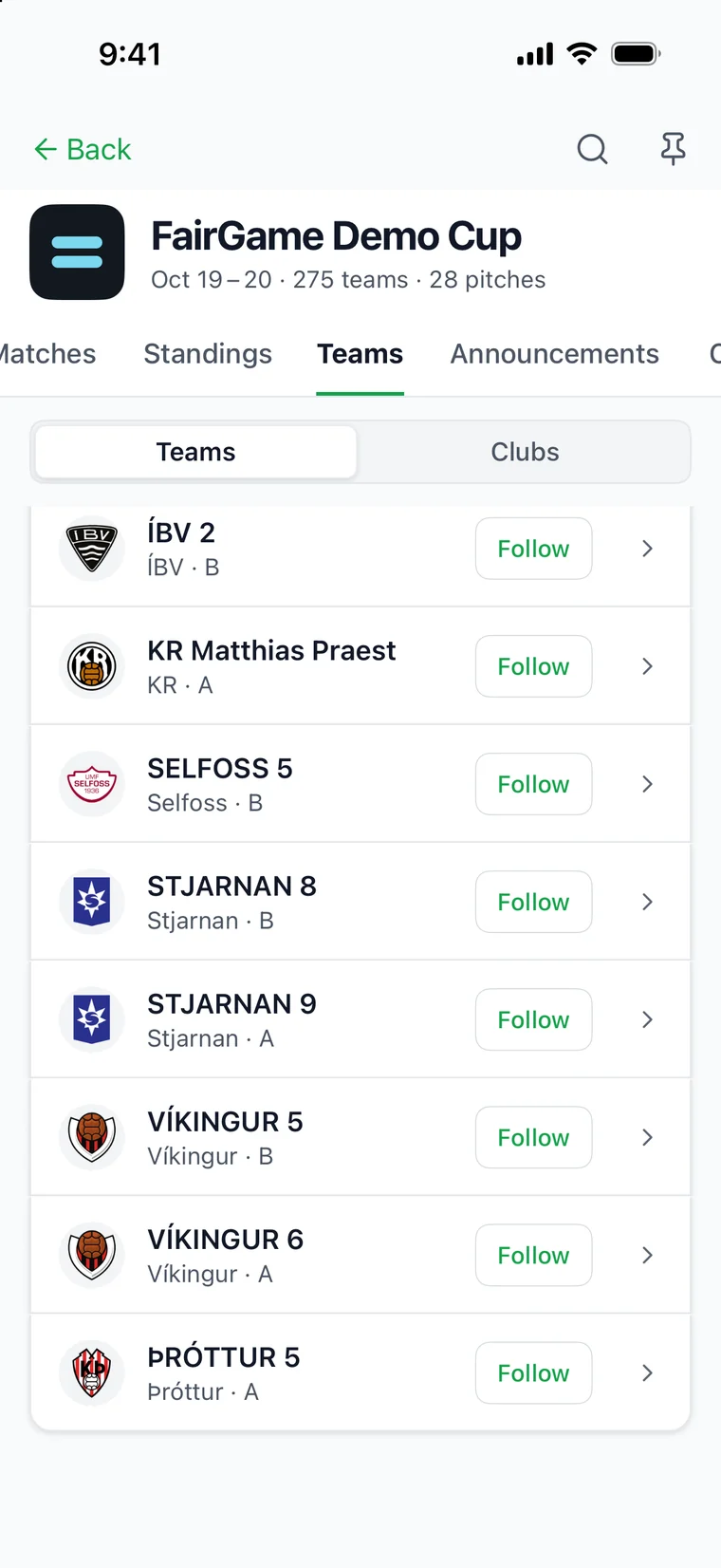
Open Teams in the tournament and tap Follow beside your team, or find it with the search in the tournament's top bar. Its matches, results and place in the group table now collect under Following, in the bar at the bottom of the screen.
Follow as many teams as you like. Following is saved on the phone, not in an account, so each phone in the family follows its own teams.
4. Turn on notifications
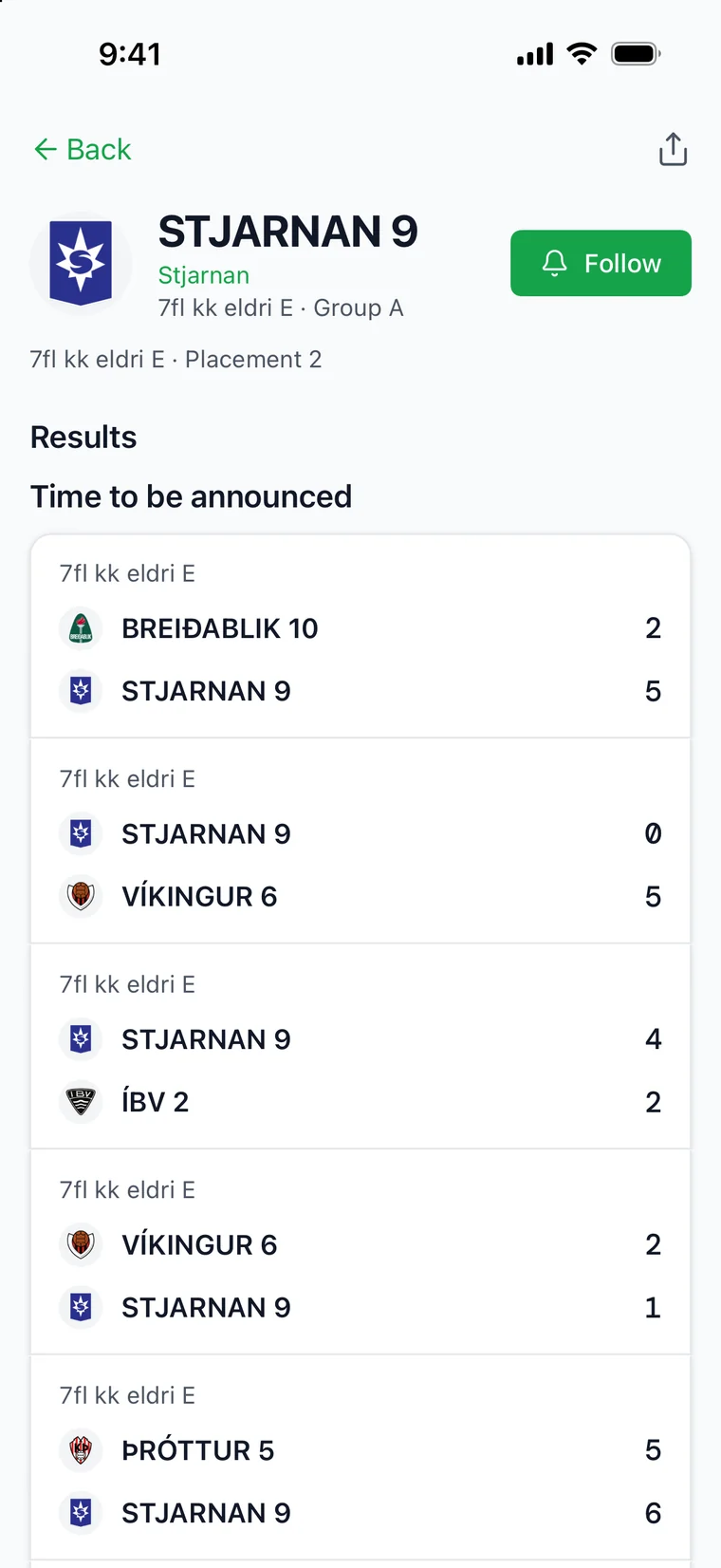
Tap Get match notifications on the team's page — or, on Following, switch on Notifications — and allow notifications when the phone asks. The team's page then reads Notifications on. For the teams you follow, the app tells you about:
- each final result,
- a match that moves to a new time or is taken off the schedule,
- the next opponent, in tournaments that draw each round as they go,
- announcements from the organizer.
To quieten one team without unfollowing it, tap the bell beside it on Following. Tap the bell again to turn its notifications back on.
5. Find your way around
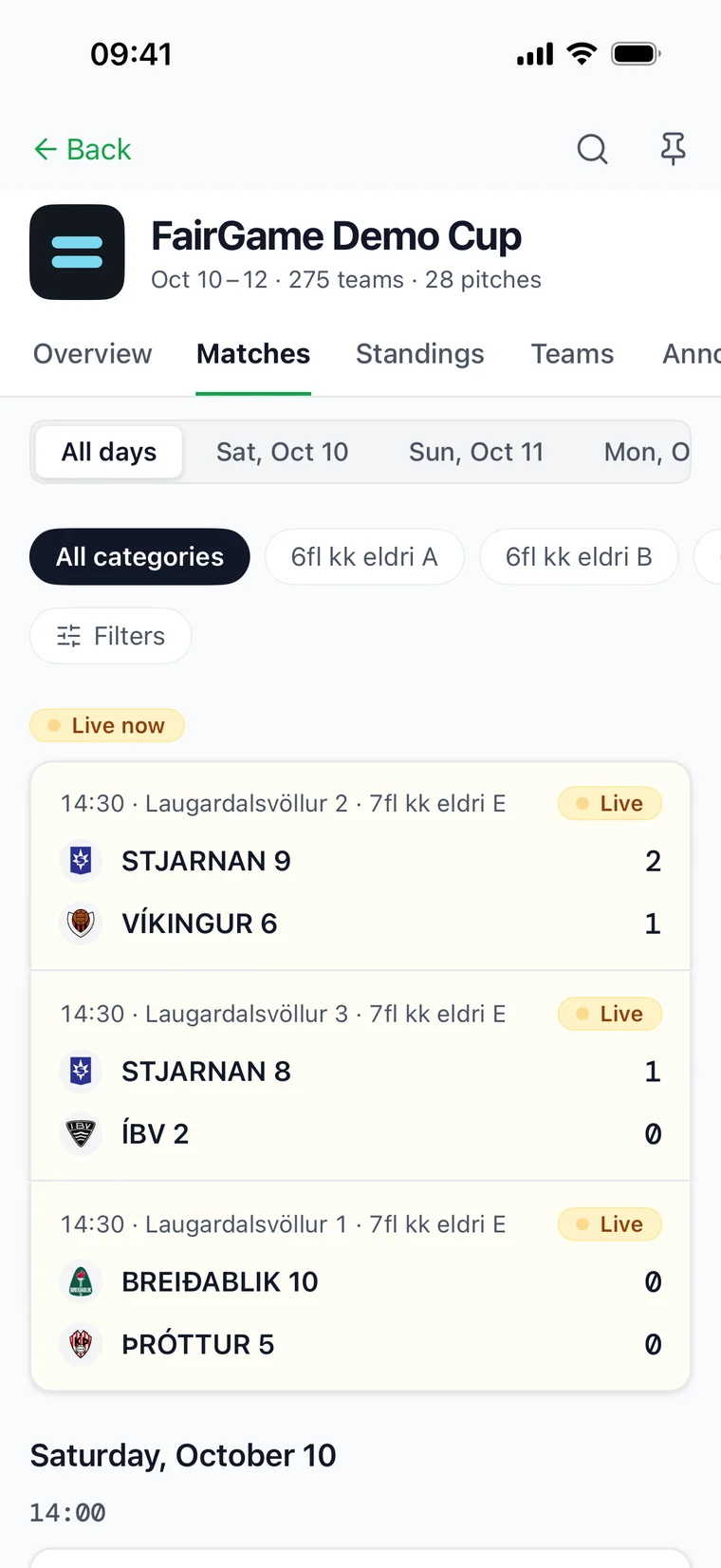
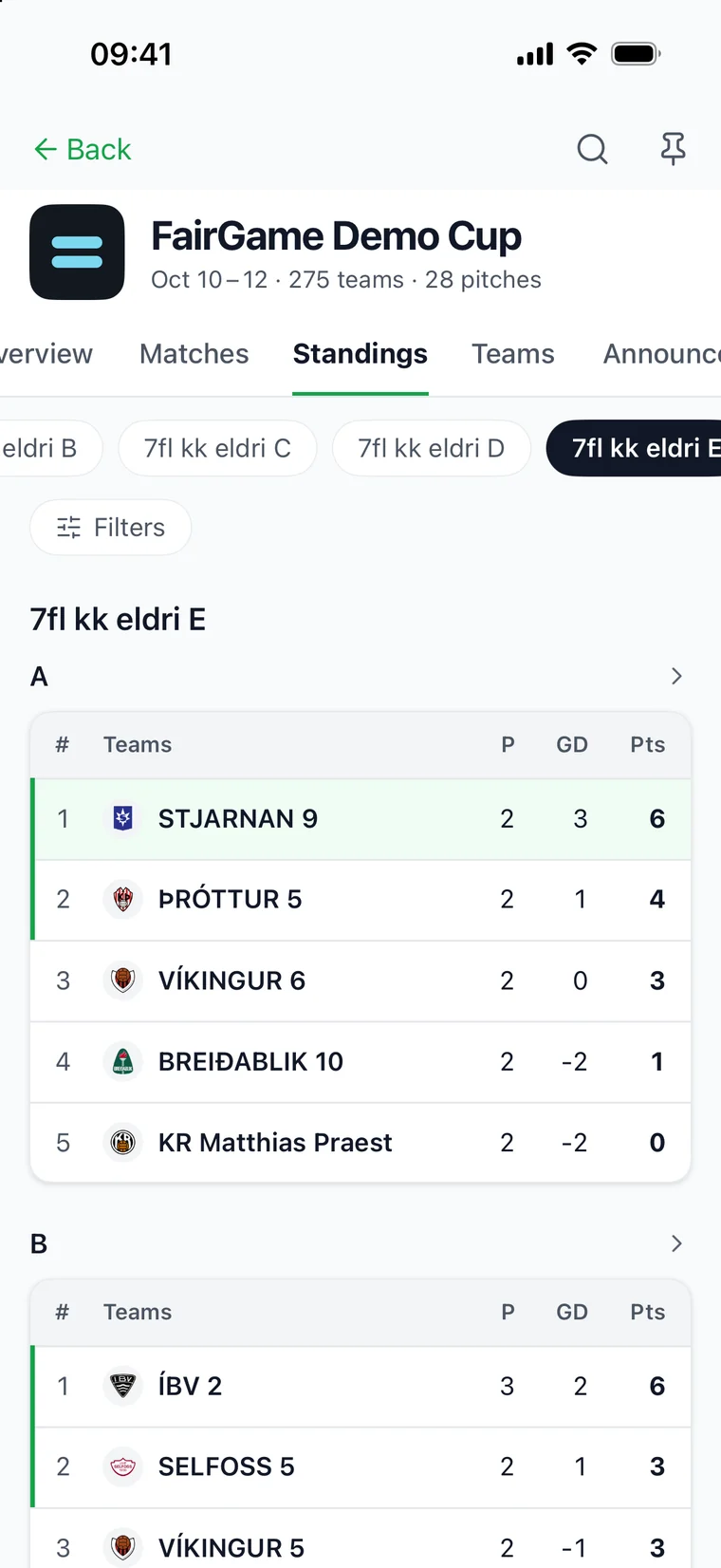
The bar at the bottom switches between Tournaments and Following; settings are behind the gear at the top. Inside a tournament, swipe through the tabs along the top. On iPhone, iPad and Android it opens on Overview:
- Overview — the matches on now, or next up, how many teams, categories, matches and pitches there are, the latest news and the venues.
- Matches — the schedule, with live scores and results.
- Standings — the group tables.
- Teams — every team, each with a Follow button.
- Announcements — the organizer's notices.
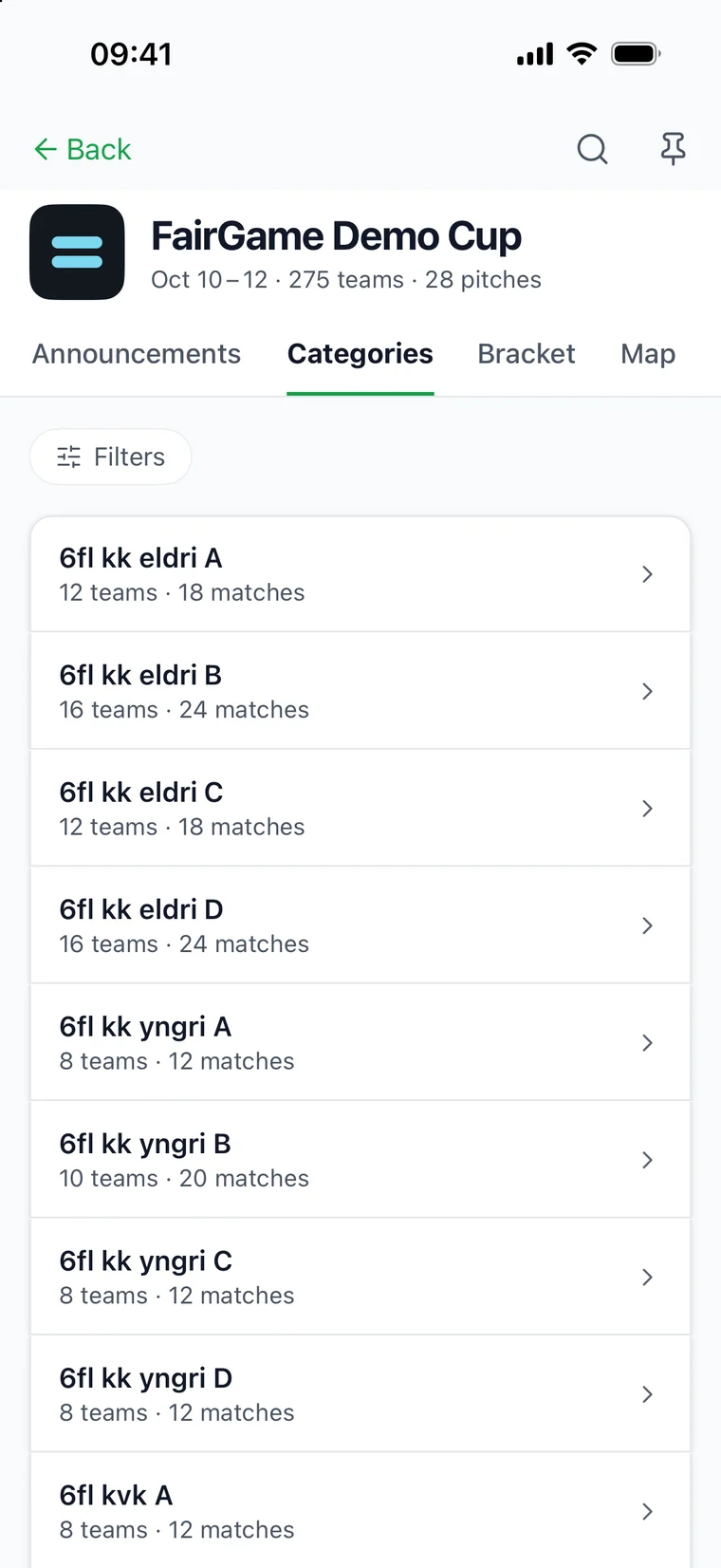
- Categories — the age groups and divisions, each with its teams and matches.
- Bracket — the knockout rounds.
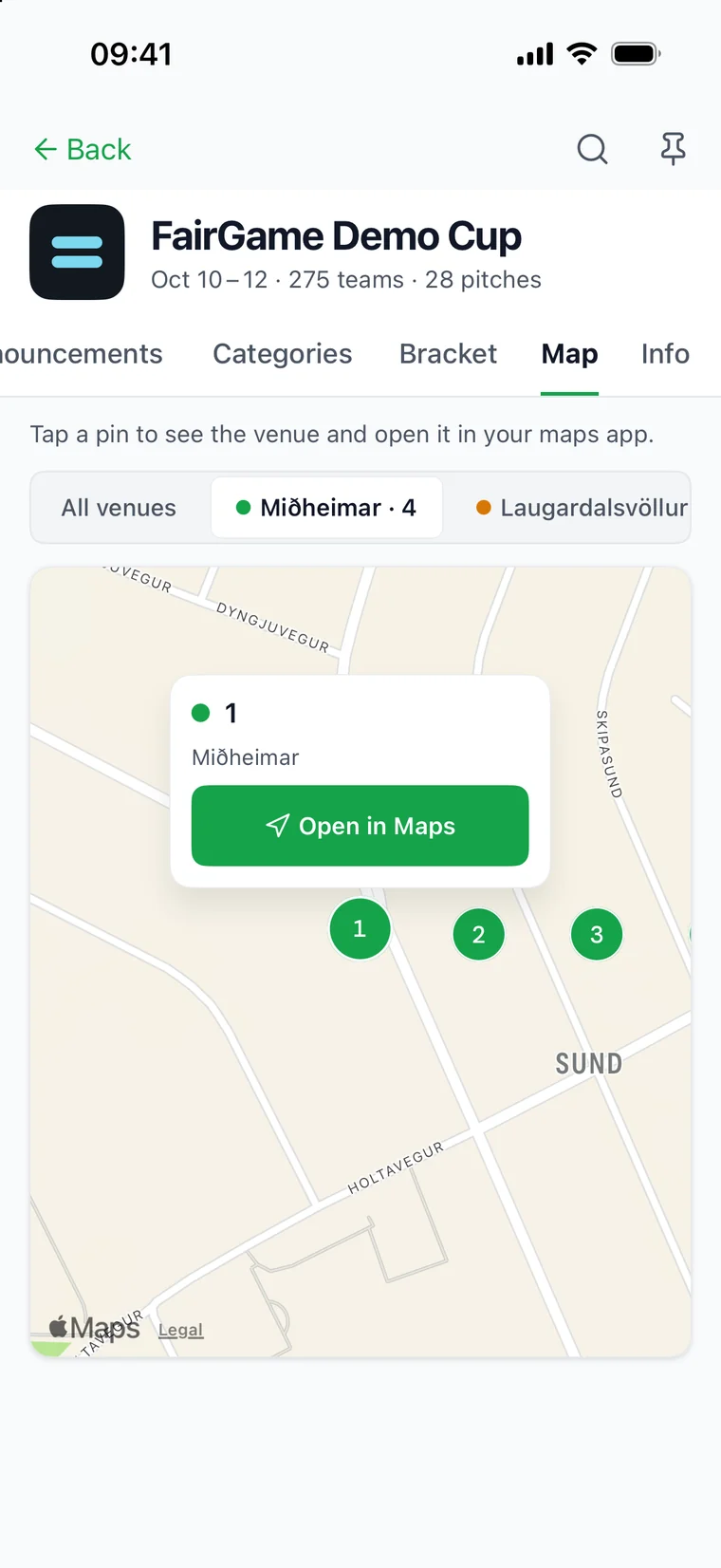
- Map — where the pitches are. Tap one, then Open in Maps for directions.
- Info — the organizer's information pages.
Standings, Categories, Bracket, Map and Info appear only when the tournament uses them.
6. Read the announcements
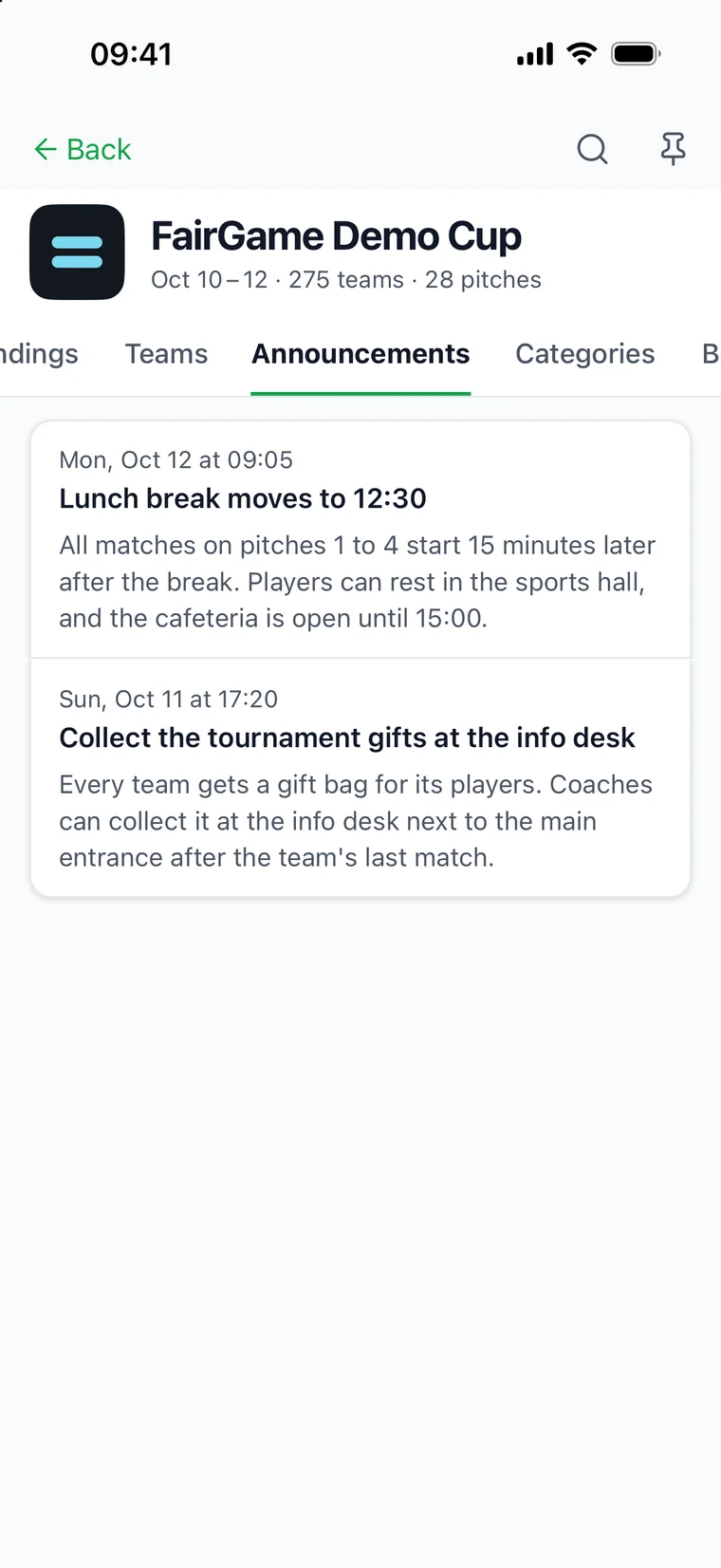
When the organizer posts news — where to collect the tournament gifts, a room where players can rest between matches, a later start — it appears under Announcements in the tournament, and on iPhone, iPad and Android the latest two also show under News on Overview. If you follow a team there and notifications are on, it reaches your phone as a notification as well.
Announcements also reach phones subscribed through an iPhone, iPad or Android pin, even without a followed team. A phone that both pins and follows counts once in reach and delivery totals. Muting a team does not mute the pin; turning notifications off removes its subscription.
7. Put the matches in your calendar
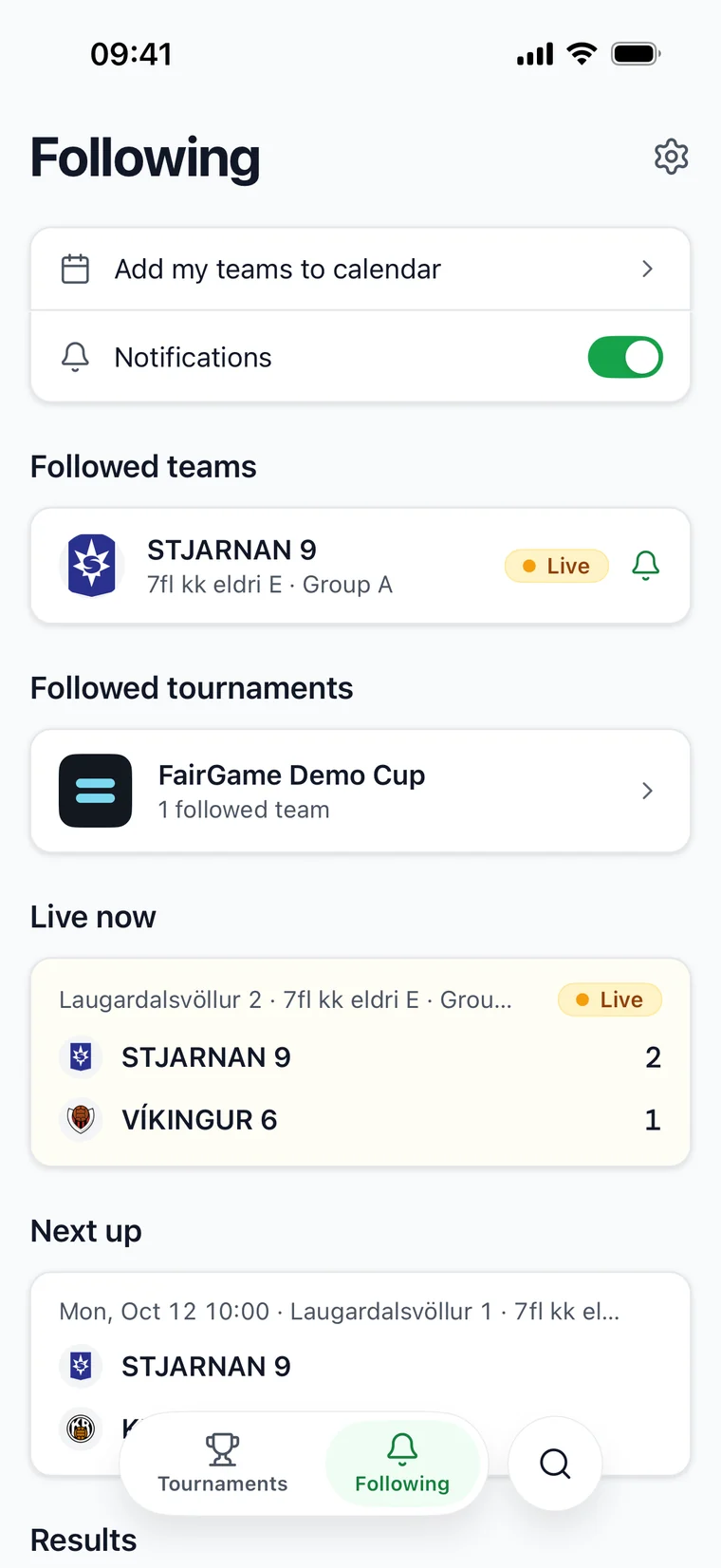
On Following, tap Add my teams to calendar. Every match of every team you follow goes into the phone's own calendar and stays up to date when times change.
No signal at the venue
The app keeps what you have already opened. In a hall with no signal it shows the last schedule and results it saw, and how long ago they were updated.
Tablets, languages, scanning match cards and everything else the app does: The mobile app.
Live across tournaments on iPhone, iPad and Android
In Tournaments, tap Live across tournaments to see matches in progress, grouped by tournament. Tap a match for its detail or a tournament name to open that tournament. More live matches loads another page. The screen refreshes every ten seconds while visible and active; pull down to refresh immediately.